Inforiver

Upcoming webinar on 'Inforiver Charts : The fastest way to deliver stories in Power BI', Aug 29th , Monday, 10.30 AM CST.    Register Now

Gauge Chart in Power BI

Download PBIX File

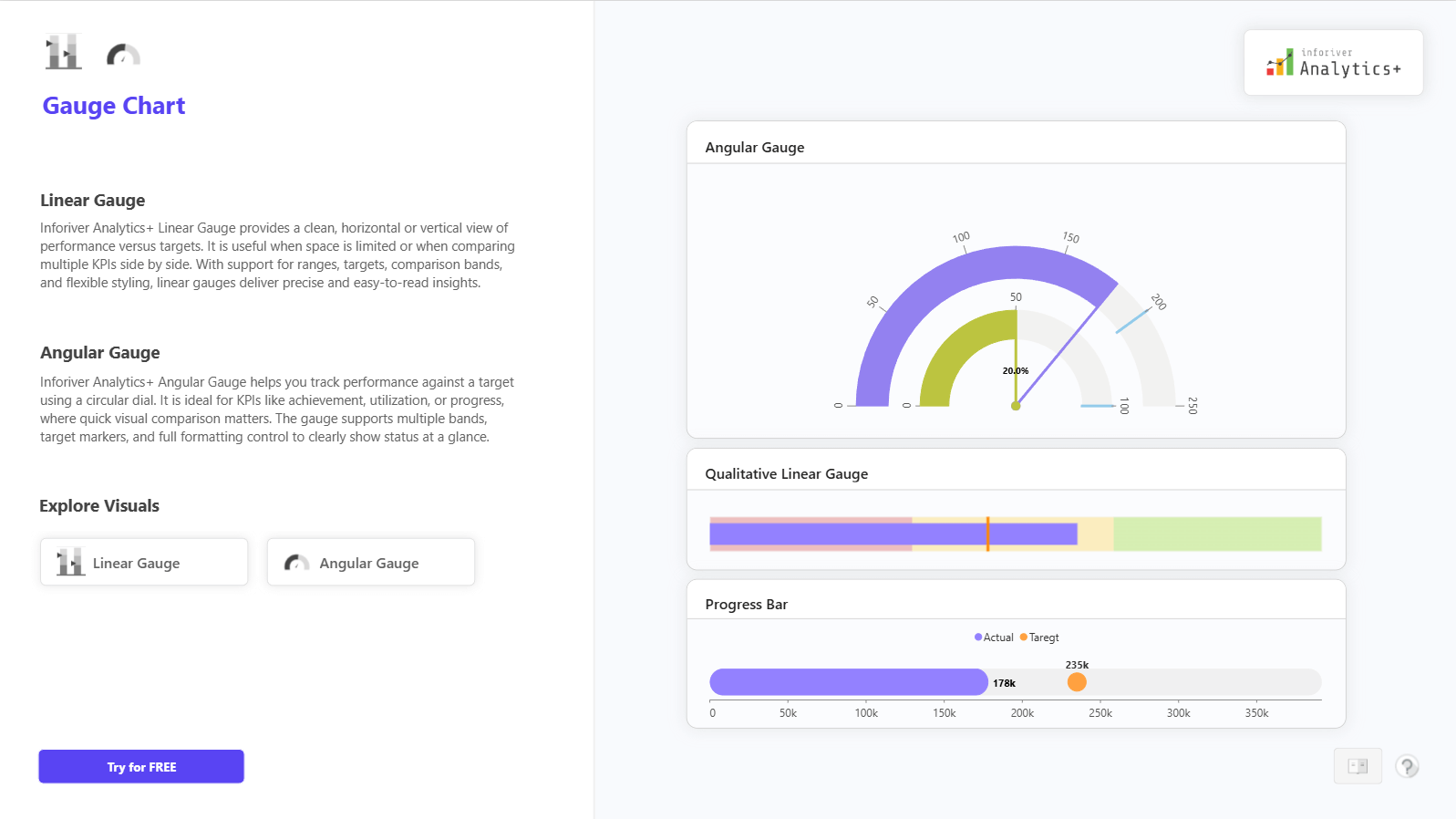
The Gauge Charts in Inforiver Analytics+ for Power BI help you track KPI performance against targets in a clear and compact visual format. You can use Linear Gauge, Angular Gauge, Qualitative Gauge, and Progress Bar to monitor achievement, utilization, and goal progress at a glance. These charts are ideal for management dashboards where quick status review is important and space is limited. 

Gauge Charts let you compare actual values against target, minimum, and maximum limits, so performance status becomes immediately visible. You can use circular dials or horizontal and vertical gauges depending on your layout needs. Comparison bands make it easy to show good, average, and poor performance ranges. The Gauge visual fits perfectly for sales targets, revenue achievement, budget vs actuals, production progress, service SLAs, and utilization KPIs. 

Inforiver Analytics+ adds flexibility with small multiples, target markers, qualitative bands, rich data labels, and formatting control, so you can present KPIs cleanly across categories or business units in Power BI without writing any code. 

For complete feature details, demo visuals, and pricing information, visit: https://inforiver.com/analytics-plus/gauge-chart/


iframe preview
View interactive content

Gauge Chart in Power BI

The Gauge Charts in Inforiver Analytics+ for Power BI help you track KPI performance against targets in a clear and compact visual format. You can use Linear Gauge, Angular Gauge, Qualitative Gauge, and Progress Bar to monitor achievement, utilization, and goal progress at a glance. These charts are ideal for management dashboards where quick status review is important and space is limited.  Gauge Charts let you compare actual values against target, minimum, and maximum limits, so performance status becomes immediately visible. You can use circular dials or horizontal and vertical gauges depending on your layout needs. Comparison bands make it easy to show good, average, and poor performance ranges. The Gauge visual fits perfectly for sales targets, revenue achievement, budget vs actuals, production progress, service SLAs, and utilization KPIs.  Inforiver Analytics+ adds flexibility with small multiples, target markers, qualitative bands, rich data labels, and formatting control, so you can present KPIs cleanly across categories or business units in Power BI without writing any code.  For complete feature details, demo visuals, and pricing information, visit: https://inforiver.com/analytics-plus/gauge-chart/
iframe preview
View interactive content

Download Report for Free

to try advance features

[demo_download_modal title="Gauge Chart in Power BI" link="https://inforiver.com/wp-content/uploads/gauge-charts-in-analytics-plus-demo.zip"]

Other Demos

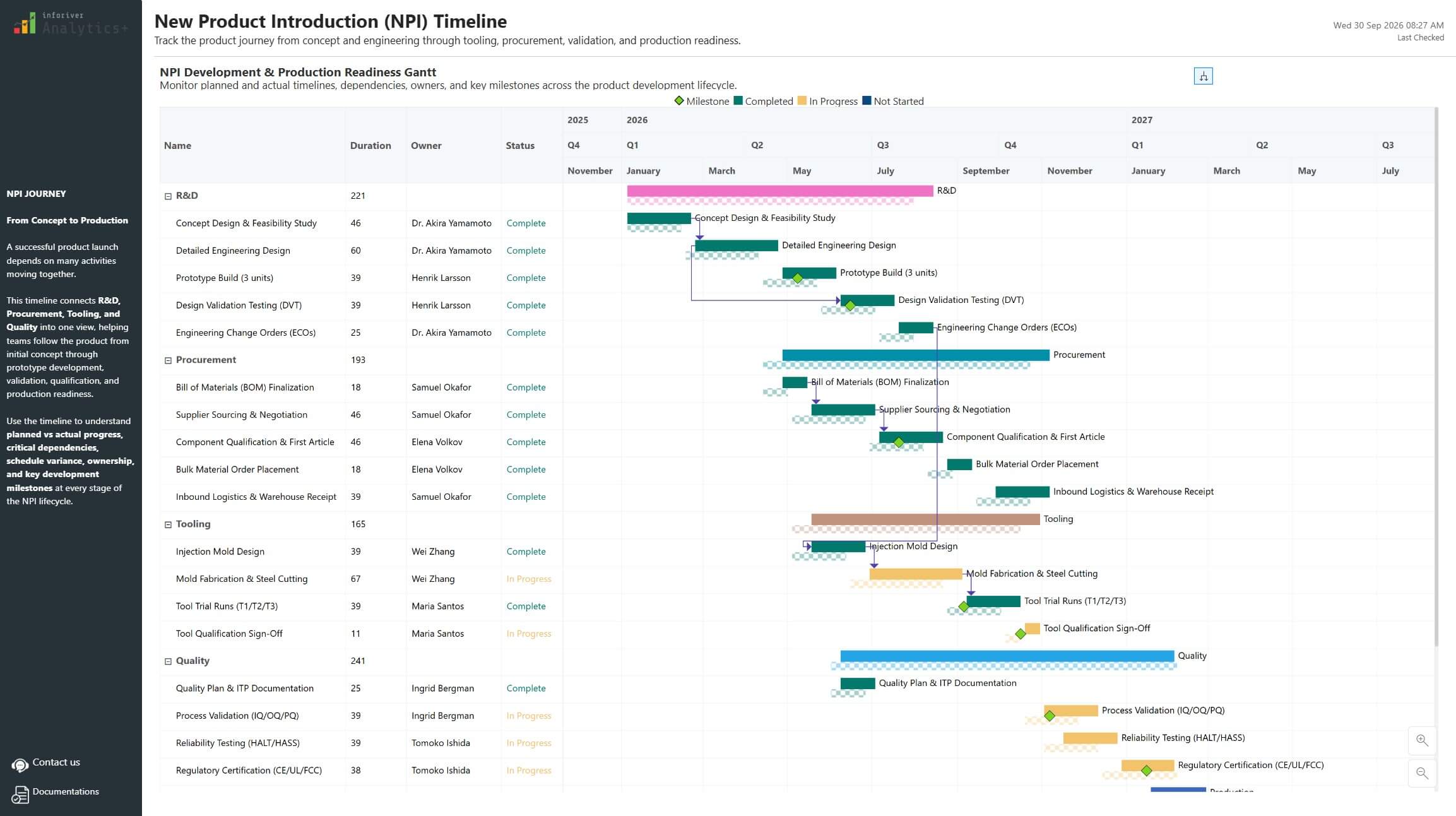
Gantt Chart for New Product Launch Timeline and Milestone Tracking

Plan and track complex product launches in Power BI using an interactive Gantt Chart with milestone visibility, budget monitoring, and progress insights.

Migrating Tableau KPI Reports

Explore how a Tableau KPI report can be transformed into an interactive Power BI dashboard using Inforiver Analytics+, combining visual storytelling, year-over-year insights, and scalable KPI analytics.

Advanced SaaS P&L & Financial Reporting

Interactive P&L dashboard in Power BI for SaaS financial reporting. Analyze revenue, costs, margins, and profitability with variance vs prior year, plan, and forecast using Inforiver Analytics+.

Consumer Product Analytics Dashboard: Unlocking Insights in Mobile & Electronics

Drive growth in mobile & electronics with our Power BI Consumer Product Analytics Dashboard. Experience advanced data storytelling with Inforiver.

Gauge Chart

Track KPI progress against targets using Linear and Angular Gauge Charts in Power BI. Get instant visibility into performance status for executive dashboards

Funnel and Pyramid Chart

Analyze conversions across stages with Funnel, Pyramid, and Executive Funnel Charts in Power BI. See progression and drop-offs clearly for pipeline and journey analysis.

Download Gauge Chart in Power BI

By clicking on Download PBIX File you agree to our terms and conditions and you acknowledge having read our EULAThe PBIX file is available only for limited duration

Get Inforiver brochure

Maximize your business potential with Inforiver's paginated reporting, data entry, planning & budgeting capabilities
Download now
Inforiver

Inforiver helps enterprises consolidate planning, reporting & analytics on a single platform (Power BI). The no-code, self-service award-winning platform has been recognized as the industry’s best and is adopted by many Fortune 100 firms.

Inforiver is a product of Lumel, the #1 Power BI AppSource Partner. The firm serves over 3,000 customers worldwide through its portfolio of products offered under the brands Inforiver, EDITable, ValQ, and xViz.

homemagnifiercross linkedin facebook pinterest youtube rss twitter instagram facebook-blank rss-blank linkedin-blank pinterest youtube twitter instagram