Inforiver

Upcoming webinar on 'Inforiver Charts : The fastest way to deliver stories in Power BI', Aug 29th , Monday, 10.30 AM CST.    Register Now

Hierarchy Chart Family in Power BI

Download PBIX File

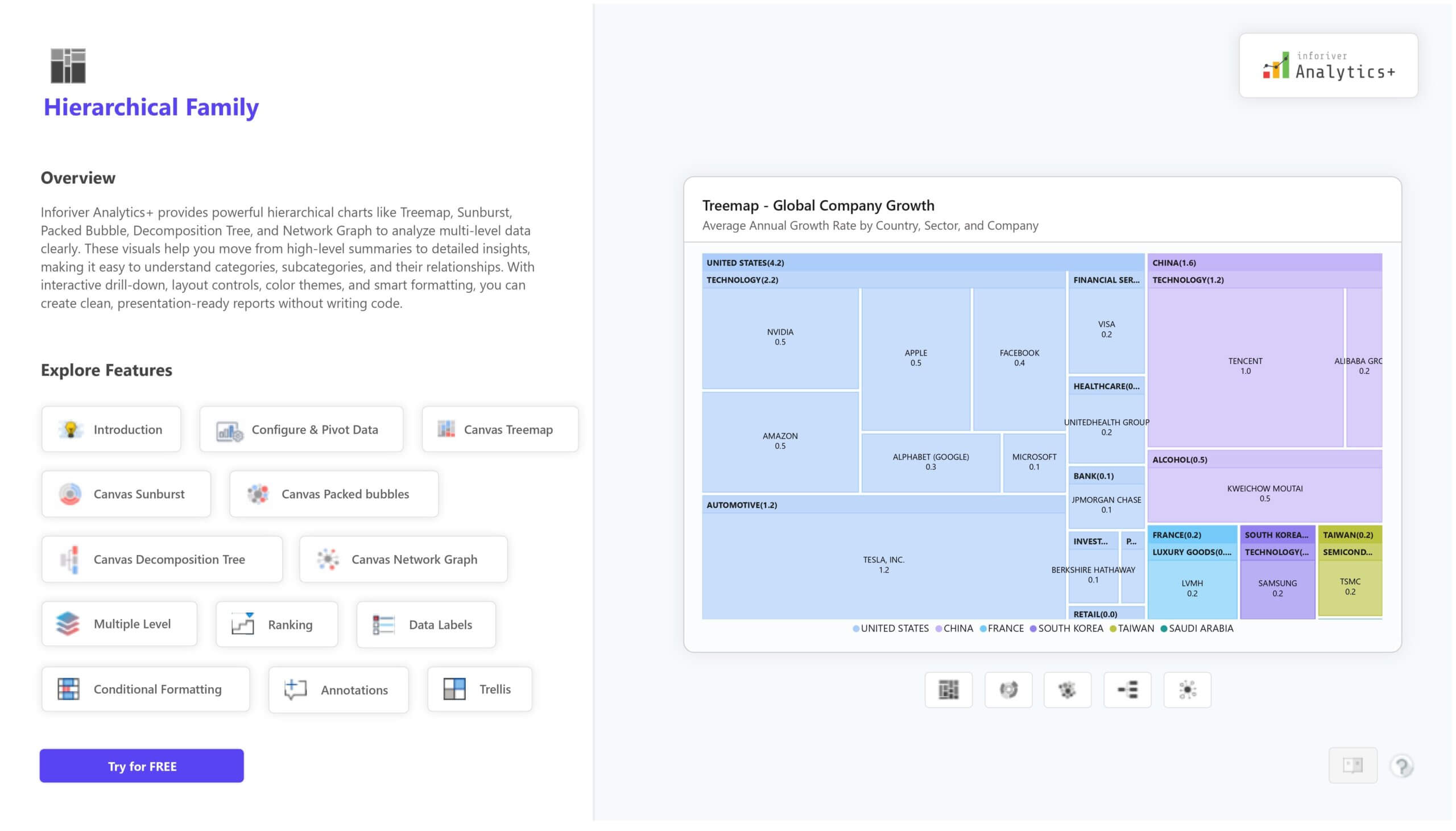
The Hierarchy Chart Family in Inforiver Analytics+ gives you a complete set of visuals to analyze multi level data with clarity. This family includes Treemap, Sunburst, Packed Bubble, Decomposition Tree, and Network Graph, helping you move smoothly from high level summary to deep detailed insight. You can understand parent child relationships, categories, subcategories, flows, and contributors in a single interactive reporting experience. 

These Power BI hierarchical charts support drill down, small multiples, ranking, annotations, conditional formatting. You can fully control layout, spacing, labeling, color themes, opacity, and node formatting, so your reports stay clean, readable, and presentation ready without writing code. 

The Hierarchical Family is ideal for sales analysis, market share analysis, product hierarchy, organization structures, customer segmentation, and root cause analysis. It brings flexibility and powerful storytelling inside Power BI using the Inforiver Analytics+ visual suite. 

For complete feature details, demo visuals, and pricing information, visit: https://inforiver.com/analytics-plus/hierarchy/

iframe preview
View interactive content

Hierarchy Chart Family in Power BI

The Hierarchy Chart Family in Inforiver Analytics+ gives you a complete set of visuals to analyze multi level data with clarity. This family includes Treemap, Sunburst, Packed Bubble, Decomposition Tree, and Network Graph, helping you move smoothly from high level summary to deep detailed insight. You can understand parent child relationships, categories, subcategories, flows, and contributors in a single interactive reporting experience.  These Power BI hierarchical charts support drill down, small multiples, ranking, annotations, conditional formatting. You can fully control layout, spacing, labeling, color themes, opacity, and node formatting, so your reports stay clean, readable, and presentation ready without writing code.  The Hierarchical Family is ideal for sales analysis, market share analysis, product hierarchy, organization structures, customer segmentation, and root cause analysis. It brings flexibility and powerful storytelling inside Power BI using the Inforiver Analytics+ visual suite.  For complete feature details, demo visuals, and pricing information, visit: https://inforiver.com/analytics-plus/hierarchy/

iframe preview
View interactive content

Download Report for Free

to try advance features

[demo_download_modal title="Hierarchy Chart Family in Power BI" link="https://inforiver.com/wp-content/uploads/hierarchical-family-charts-in-analytic-plus-demo.zip"]

Other Demos

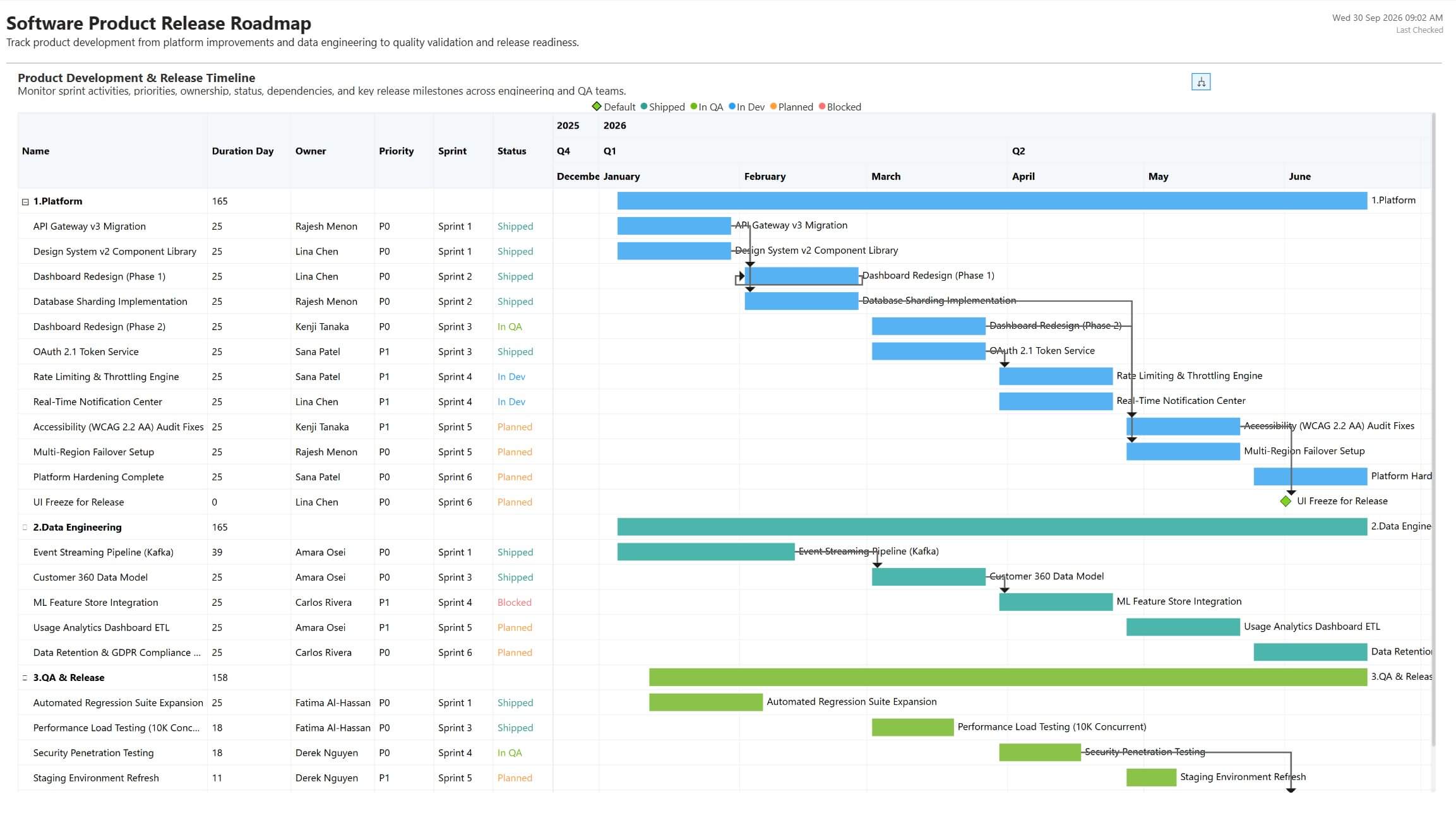
Gantt Chart for Software Product Release Roadmap in Power BI

Plan software releases with sprint timelines, task priorities, status tracking, dependencies, and release milestones in Power BI with Inforiver Analytics+.

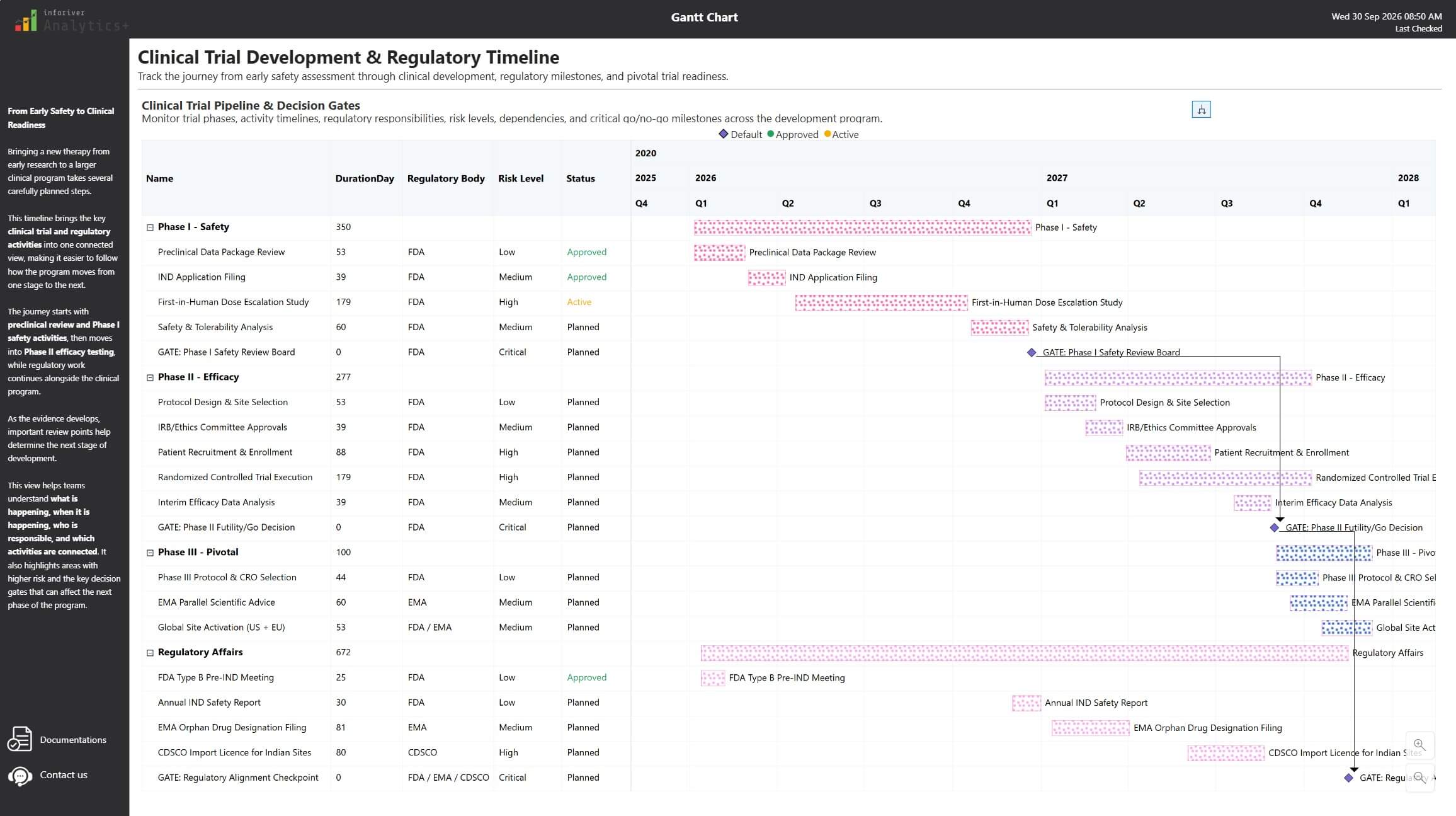
Gantt Chart for Clinical Trial Development & Regulatory Timeline

Manage clinical trial timelines with phase tracking, regulatory activities, risk visibility, dependencies, and critical decision gates in Power BI with Inforiver Analytics+.

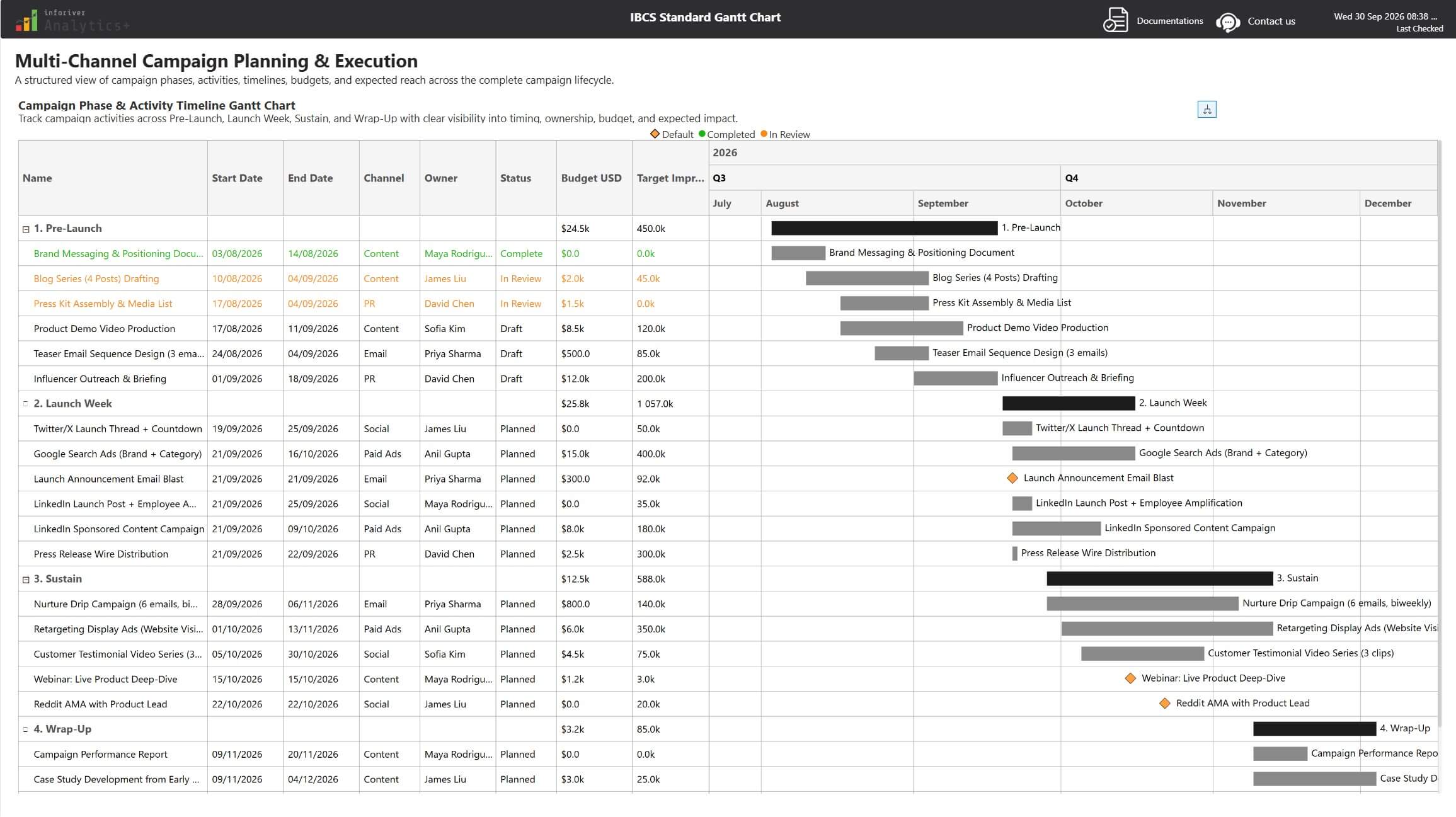
IBCS Gantt Chart for Multi-Channel Campaign Planning & Execution

Plan multi-channel campaigns with an IBCS-standard Gantt Chart, structured timelines, budgets, activities, and campaign phase tracking in Power BI.

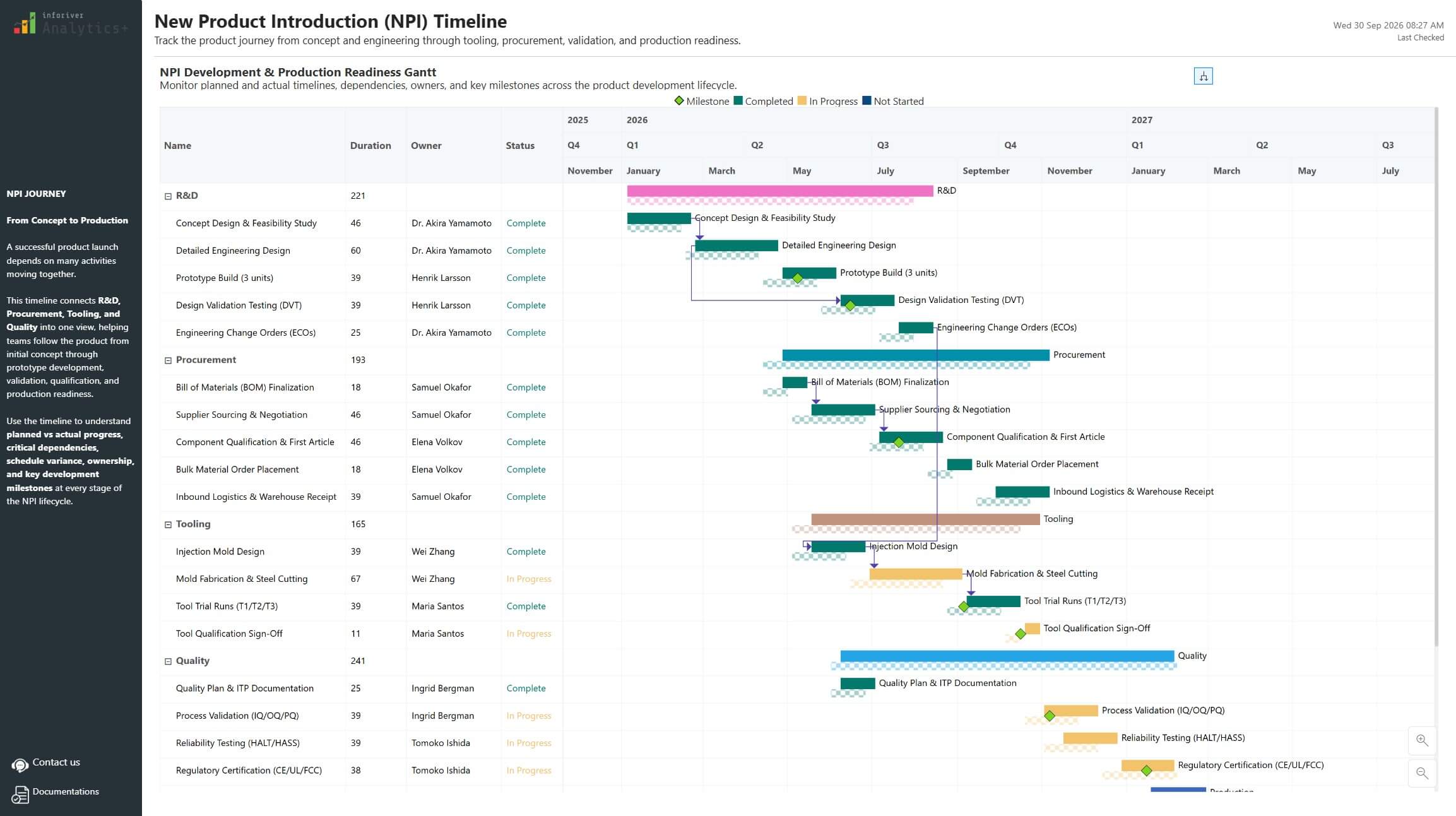
Gantt Chart for New Product Introduction (NPI) Timeline in Power BI

Track NPI execution with actual vs planned timelines, progress-based conditional formatting, RAG status, dependencies, and milestone tracking in Power BI.

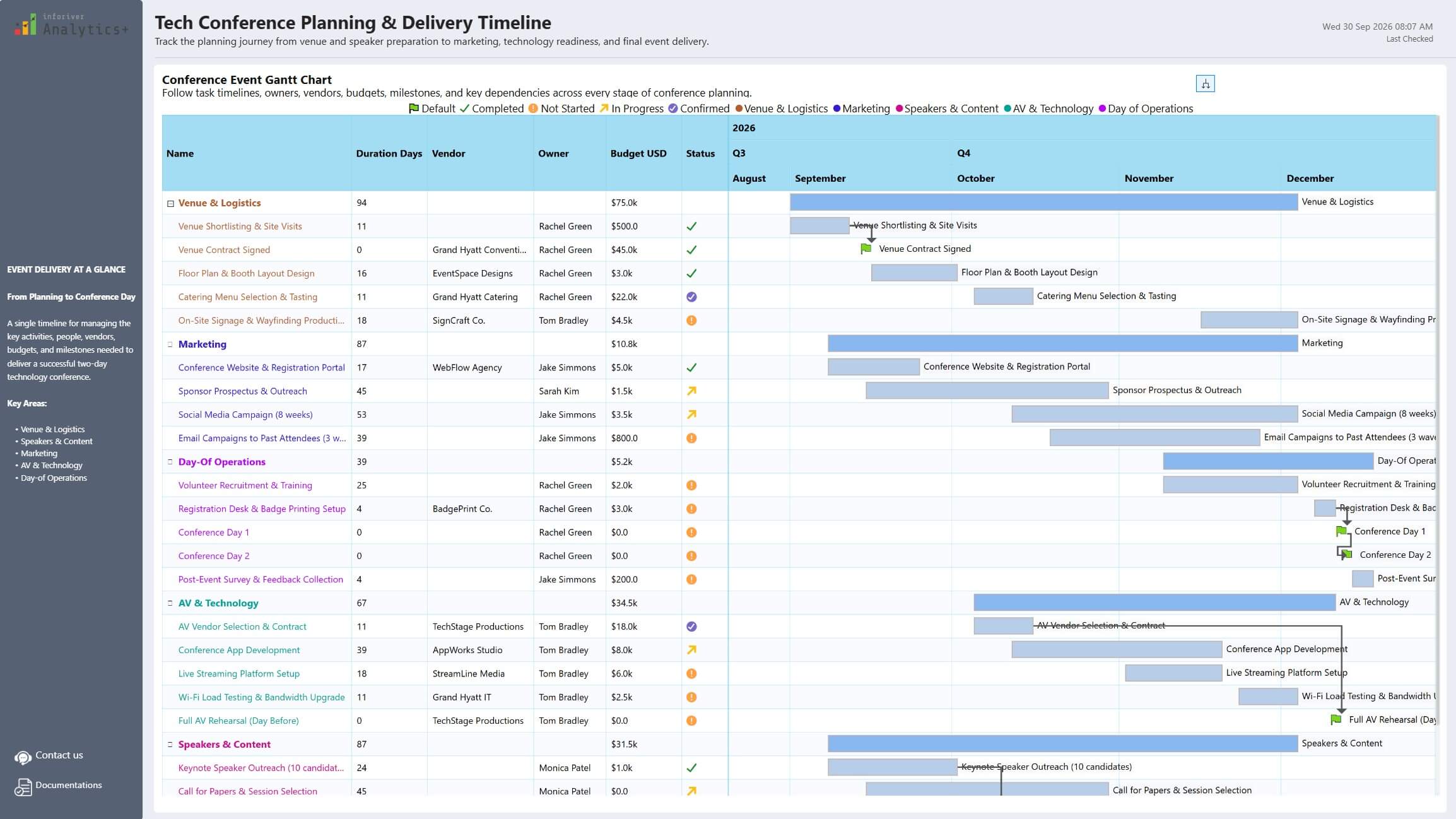
Conference Event Planning Gantt Chart in Power BI

Plan and manage conference delivery with status flags, conditional grid formatting, task dependencies, connectors, and milestone tracking in Inforiver Analytics Plus Power BI.

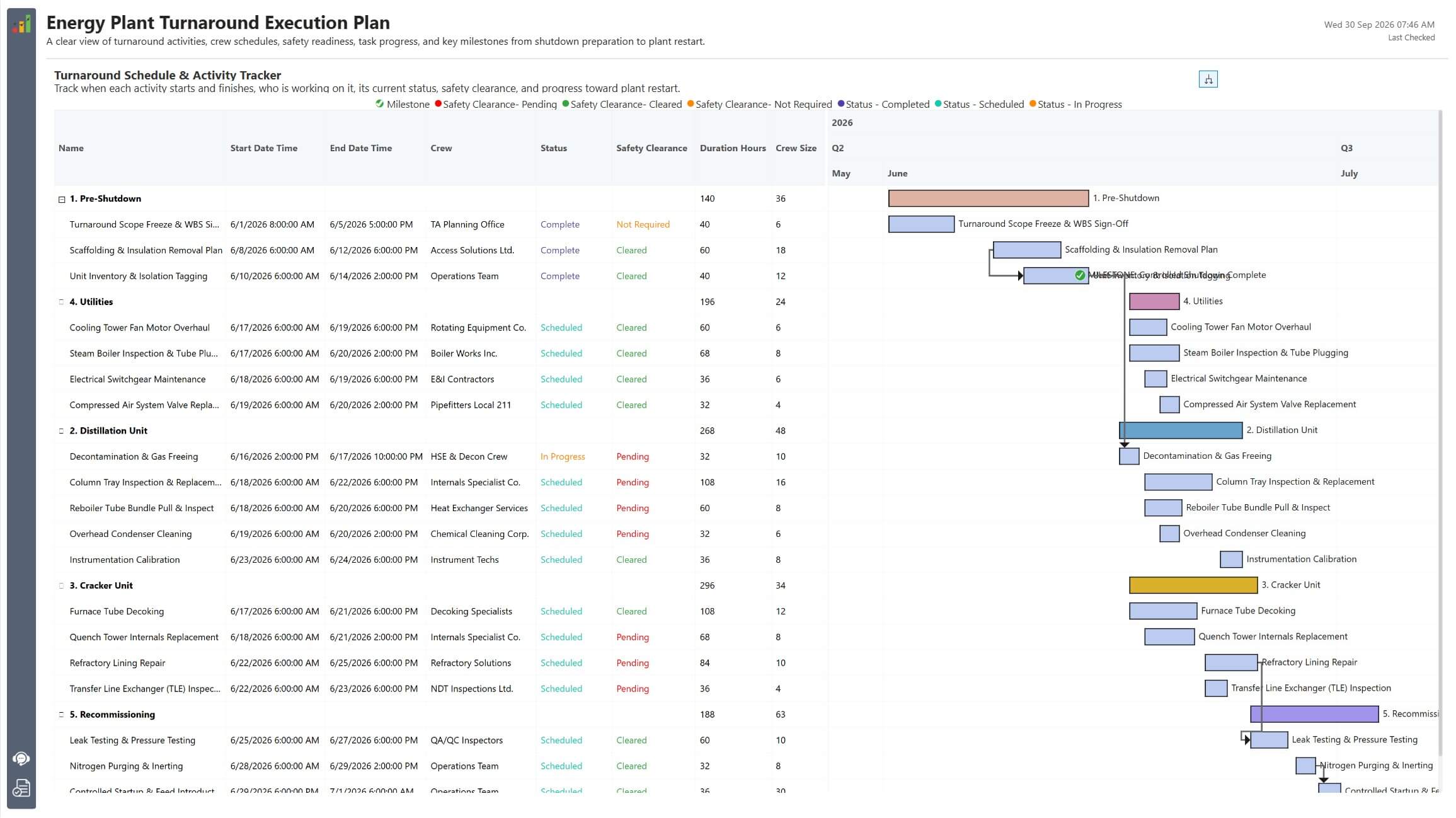
Gantt Chart Energy Plant Turnaround and Execution Plan

Plan energy plant turnarounds with task and phase-level formatting, safety status, crew schedules, milestones, and advanced conditional formatting in Power BI.

Download Hierarchy Chart Family in Power BI

By clicking on Download PBIX File you agree to our terms and conditions and you acknowledge having read our EULAThe PBIX file is available only for limited duration

Get Inforiver brochure

Maximize your business potential with Inforiver's paginated reporting, data entry, planning & budgeting capabilities
Download now
Inforiver

Inforiver helps enterprises consolidate planning, reporting & analytics on a single platform (Power BI). The no-code, self-service award-winning platform has been recognized as the industry’s best and is adopted by many Fortune 100 firms.

Inforiver is a product of Lumel, the #1 Power BI AppSource Partner. The firm serves over 3,000 customers worldwide through its portfolio of products offered under the brands Inforiver, EDITable, ValQ, and xViz.
homemagnifiercross linkedin facebook pinterest youtube rss twitter instagram facebook-blank rss-blank linkedin-blank pinterest youtube twitter instagram