Inforiver

Upcoming webinar on 'Inforiver Charts : The fastest way to deliver stories in Power BI', Aug 29th , Monday, 10.30 AM CST.    Register Now

Advanced SaaS P&L & Financial Reporting in Power BI

Download PBIX File

This P&L dashboard provides a structured and interactive view of SaaS financial reporting, built using Power BI and Inforiver Analytics+. It brings revenue, costs, and profitability into a single Power BI profit and loss report designed for finance leaders and FP&A teams. 

The dashboard presents a complete Profit and Loss statement in USD, covering subscription, usage-based, and professional services revenue, along with cost of revenue, operating expenses, EBITDA, EBIT, and net profit. Users can move easily from summary KPIs to detailed income statement line items. 

The report compares Actuals against Prior Year, Plan, and Forecast, with automatic calculation of absolute and percentage variances. Clear visual indicators show where revenue has increased or declined, where operating expenses have risen, and how these changes impact gross profit and net profit. 

Finance teams can analyze revenue mix, monitor gross margins, review R&D and sales spending, and evaluate profitability across periods, products, countries, and customer segments. 

Built for modern SaaS organizations, this dashboard enables accurate, scalable, and decision-ready Power BI P&L reporting. 

Download the dashboard and explore interactive SaaS profit and loss analysis powered by Inforiver Analytics+.


iframe preview
View interactive content

Advanced SaaS P&L & Financial Reporting in Power BI

This P&L dashboard provides a structured and interactive view of SaaS financial reporting, built using Power BI and Inforiver Analytics+. It brings revenue, costs, and profitability into a single Power BI profit and loss report designed for finance leaders and FP&A teams.  The dashboard presents a complete Profit and Loss statement in USD, covering subscription, usage-based, and professional services revenue, along with cost of revenue, operating expenses, EBITDA, EBIT, and net profit. Users can move easily from summary KPIs to detailed income statement line items.  The report compares Actuals against Prior Year, Plan, and Forecast, with automatic calculation of absolute and percentage variances. Clear visual indicators show where revenue has increased or declined, where operating expenses have risen, and how these changes impact gross profit and net profit.  Finance teams can analyze revenue mix, monitor gross margins, review R&D and sales spending, and evaluate profitability across periods, products, countries, and customer segments.  Built for modern SaaS organizations, this dashboard enables accurate, scalable, and decision-ready Power BI P&L reporting.  Download the dashboard and explore interactive SaaS profit and loss analysis powered by Inforiver Analytics+.

iframe preview
View interactive content

Download Report for Free

to try advance features

[demo_download_modal title="Advanced SaaS P&L & Financial Reporting in Power BI" link="https://inforiver.com/wp-content/uploads/advanced-saas-pl-financial-reporting-in-power-bi-demo-analytics-plus.zip"]

Other Demos

Gantt Chart for New Product Launch Timeline and Milestone Tracking

Plan and track complex product launches in Power BI using an interactive Gantt Chart with milestone visibility, budget monitoring, and progress insights.

Migrating Tableau KPI Reports

Explore how a Tableau KPI report can be transformed into an interactive Power BI dashboard using Inforiver Analytics+, combining visual storytelling, year-over-year insights, and scalable KPI analytics.

Advanced SaaS P&L & Financial Reporting

Interactive P&L dashboard in Power BI for SaaS financial reporting. Analyze revenue, costs, margins, and profitability with variance vs prior year, plan, and forecast using Inforiver Analytics+.

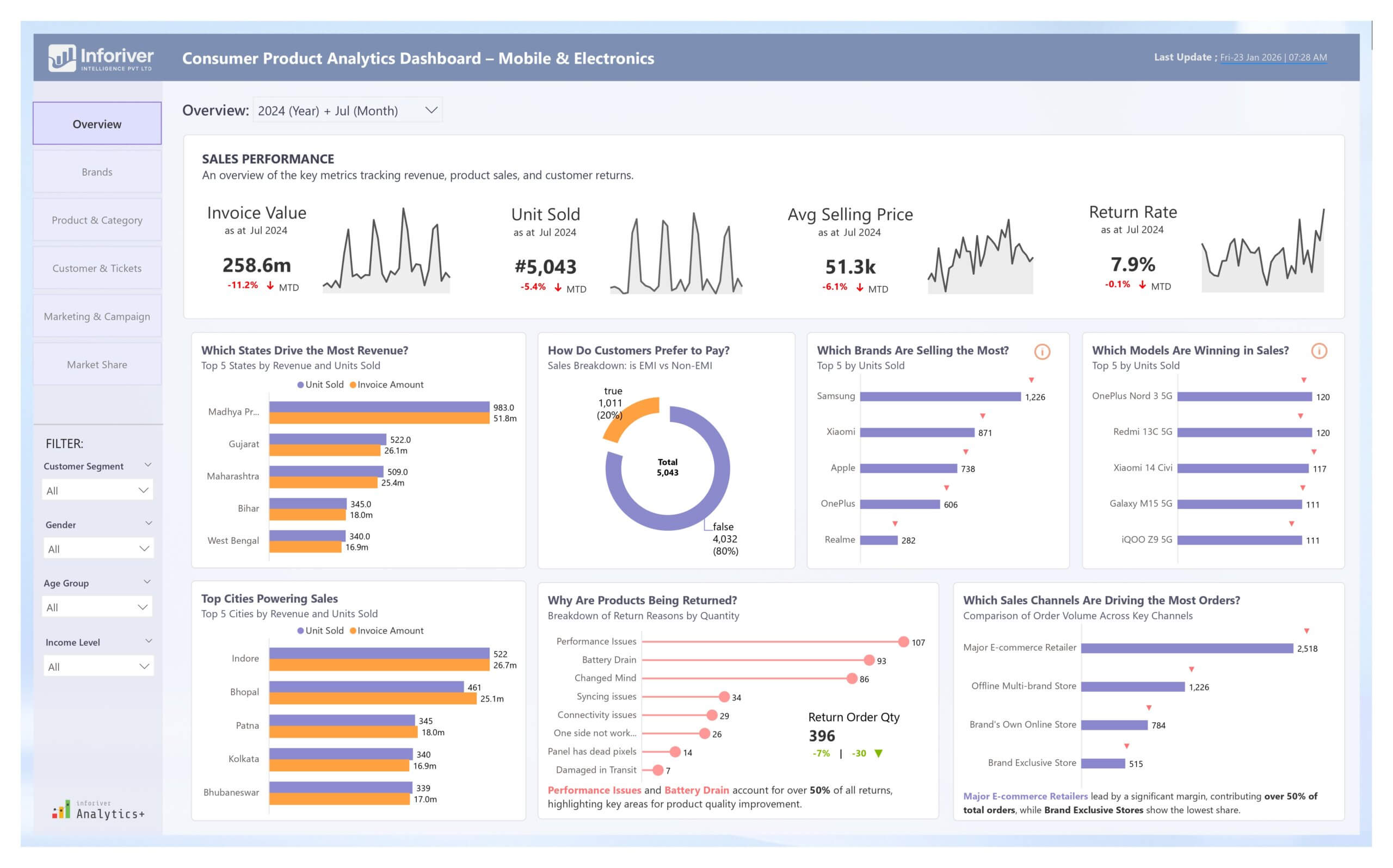
Consumer Product Analytics Dashboard: Unlocking Insights in Mobile & Electronics

Drive growth in mobile & electronics with our Power BI Consumer Product Analytics Dashboard. Experience advanced data storytelling with Inforiver.

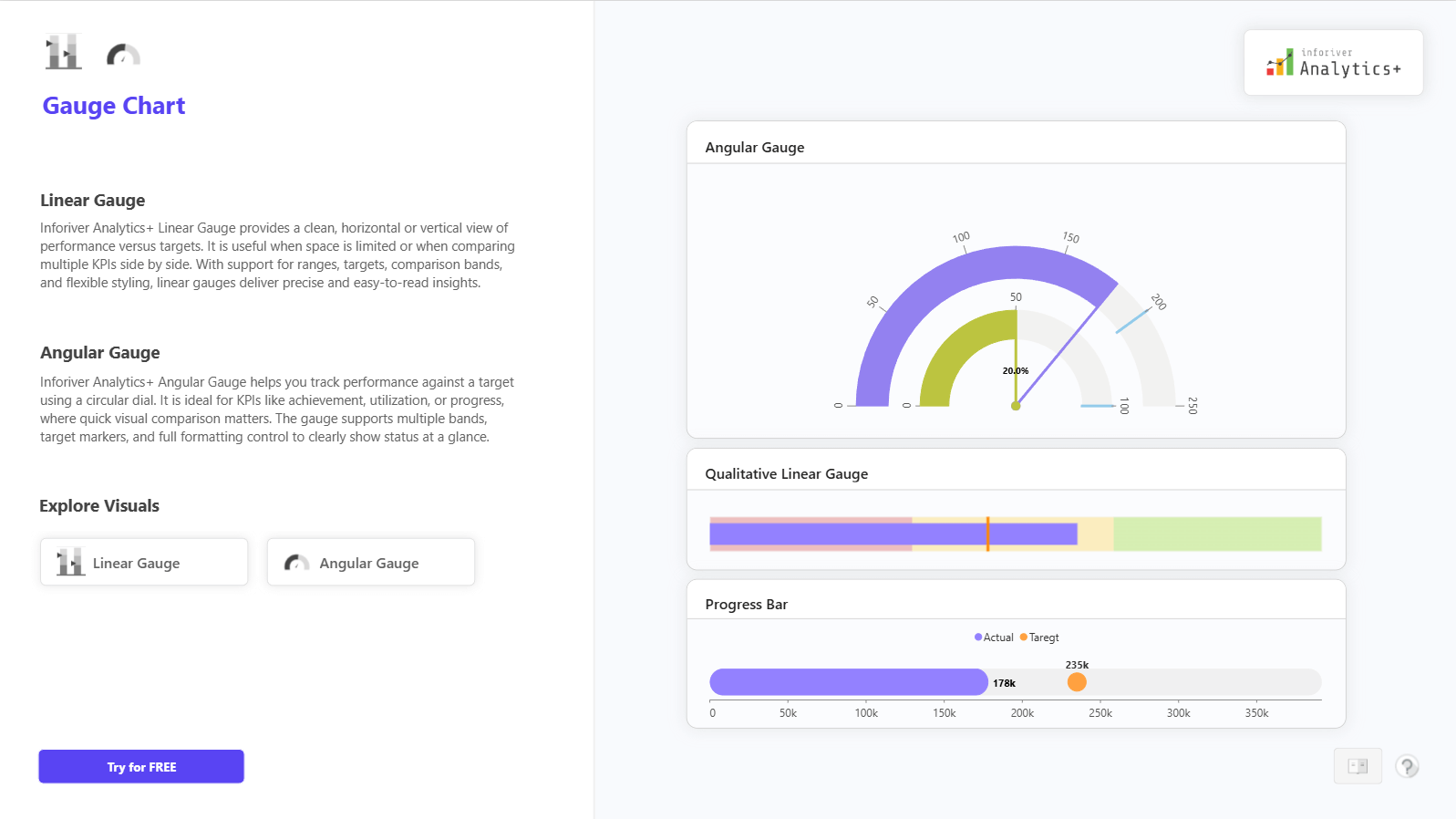
Gauge Chart

Track KPI progress against targets using Linear and Angular Gauge Charts in Power BI. Get instant visibility into performance status for executive dashboards

Funnel and Pyramid Chart

Analyze conversions across stages with Funnel, Pyramid, and Executive Funnel Charts in Power BI. See progression and drop-offs clearly for pipeline and journey analysis.

Download Advanced SaaS P&L & Financial Reporting in Power BI

By clicking on Download PBIX File you agree to our terms and conditions and you acknowledge having read our EULAThe PBIX file is available only for limited duration

Get Inforiver brochure

Maximize your business potential with Inforiver's paginated reporting, data entry, planning & budgeting capabilities
Download now
Inforiver

Inforiver helps enterprises consolidate planning, reporting & analytics on a single platform (Power BI). The no-code, self-service award-winning platform has been recognized as the industry’s best and is adopted by many Fortune 100 firms.

Inforiver is a product of Lumel, the #1 Power BI AppSource Partner. The firm serves over 3,000 customers worldwide through its portfolio of products offered under the brands Inforiver, EDITable, ValQ, and xViz.

homemagnifiercross linkedin facebook pinterest youtube rss twitter instagram facebook-blank rss-blank linkedin-blank pinterest youtube twitter instagram